
If you've spent any real time with Claude Code on a large codebase, you've watched it happen. You ask a deceptively simple question — "how does the extension host talk to the main process?" — and Claude dispatches an Explore agent that proceeds to grep, glob, ls, and Read its way through dozens of files. A minute and a half later you get a great answer, but you also burned 90k tokens and 50 tool calls getting there.
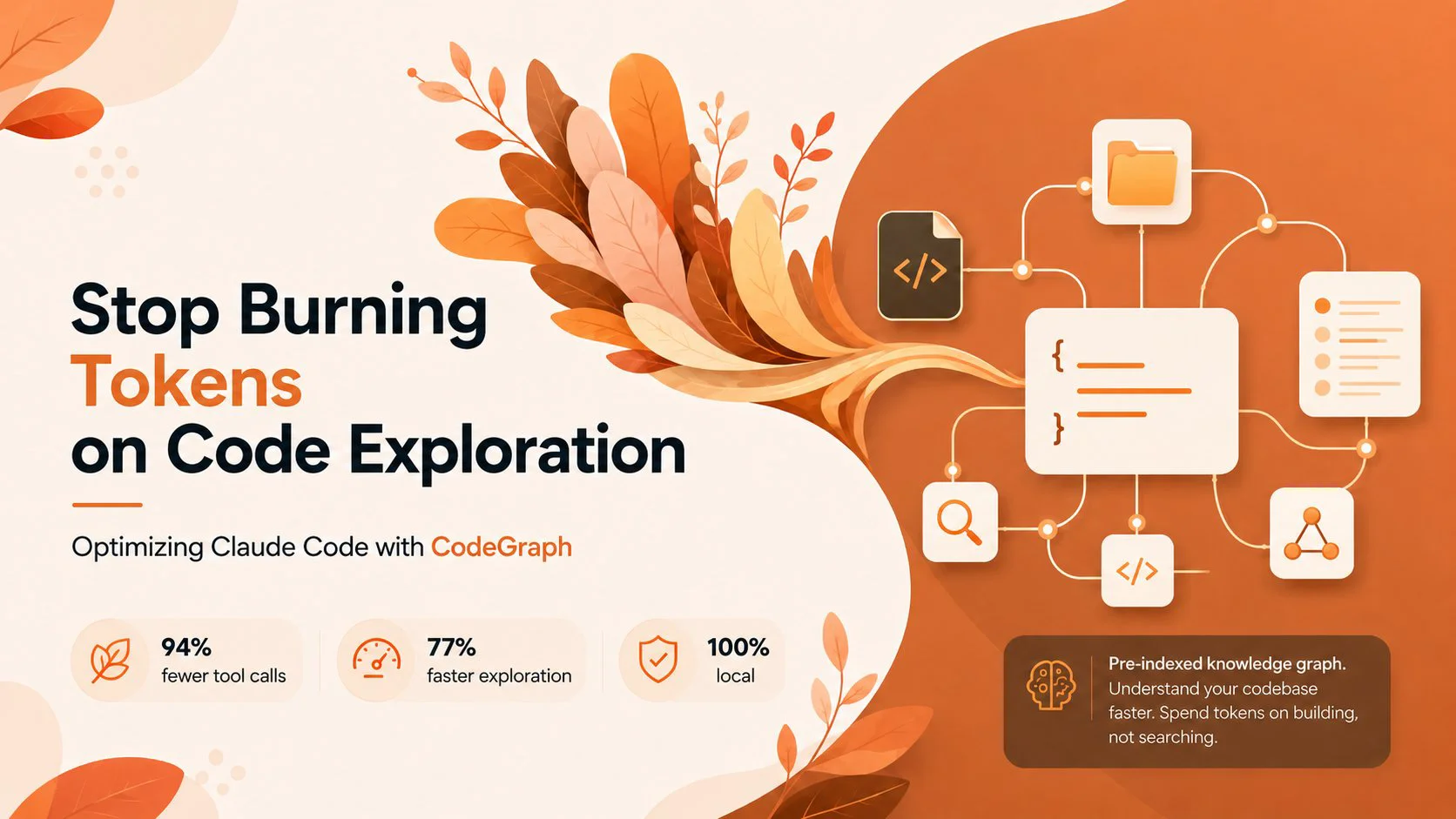
CodeGraph is an open-source project that attacks this problem directly. Instead of letting Claude rediscover your codebase's structure from scratch on every question, it builds a pre-indexed knowledge graph of your code and hands that to Claude through an MCP server. The pitch is blunt and backed by numbers: 94% fewer tool calls, 77% faster exploration, 100% local.
Here's how it works and how to set it up.
The core problem: exploration is expensive
When Claude Code needs to understand part of a codebase, it doesn't have a map. It builds one on the fly. That means a lot of the work an Explore agent does isn't actually answering your question — it's discovery. Finding where things are. Listing directories, grepping for symbol names, reading files to figure out which files matter, then reading the files that actually do.
Every one of those steps is a tool call, and every tool call returns content that lands in the context window. On a big repository this discovery phase dominates the cost. The agent spends most of its budget just orienting itself before it can start reasoning about the code you asked about.
CodeGraph's insight is that all of this structural information — what calls what, what imports what, which class extends which — is static and computable ahead of time. So compute it once, store it locally, and let Claude query it instantly instead of reconstructing it on every request.
What CodeGraph actually builds
Under the hood, CodeGraph uses tree-sitter to parse your source into abstract syntax trees, then runs language-specific queries to pull out two things: nodes and edges. Nodes are the symbols — functions, classes, methods. Edges are the relationships between them — calls, imports, inheritance, interface implementations.
All of this goes into a local SQLite database living in a .codegraph/ directory in your project, complete with FTS5 full-text search so symbol lookups are essentially instant. After the initial extraction, CodeGraph runs a resolution pass that connects the dots: function calls get linked to their definitions, imports to their source files, classes to their parents, and so on.
The result is a queryable graph of your codebase's semantics. When Claude wants to know what calls login(), it asks the graph and gets an answer in one call instead of grepping the entire repo.
Crucially, the graph stays fresh on its own. CodeGraph runs a file watcher built on native OS events — FSEvents on macOS, inotify on Linux, ReadDirectoryChangesW on Windows — with a debounced two-second quiet window. As you edit code, it incrementally re-syncs the affected pieces. There's no manual re-indexing step in the normal workflow and no configuration to babysit.
The benchmark numbers
The project tested Claude Code's Explore agent across six real-world codebases, running the same question with and without CodeGraph. The results are the headline feature, and they're worth looking at in detail because the gains are not subtle.
On the VS Code codebase (4,002 files, ~59k graph nodes), answering "how does the extension host communicate with the main process?" took CodeGraph 3 tool calls and 17 seconds. Without it, the same question took 52 tool calls and 1 minute 37 seconds — a 94% reduction in calls and 82% less time.
The pattern held across every language tested. On Excalidraw (TypeScript): 3 calls versus 47. On a Java codebase, a single CodeGraph call answered the entire question where the baseline needed 26. On Alamofire (Swift), CodeGraph traced a nine-step call chain from Session.request() down to URLSession.dataTask() in one explore call. Even the largest target — the Swift compiler at 25,874 files and 272,898 nodes — got answered in 6 calls and 35 seconds with zero file reads, after indexing in under four minutes.
Two observations from the test runs stand out. First, with CodeGraph the agent never fell back to reading files — it trusted the graph results completely. Second, without it, agents spent the bulk of their time on discovery commands before they could read anything relevant. That's exactly the wasted motion CodeGraph eliminates. Across all six, the average came out to roughly 92% fewer tool calls and 71% faster.
A fair caveat: these benchmarks come from the project itself, run on a specific Claude Code and model version, with one Explore agent per question. Your mileage will vary with repo size, question type, and how your code is structured. But the mechanism is sound, and the direction of the effect is hard to argue with — a precomputed index beats live discovery for the kind of structural questions exploration agents handle.
Getting it running
Setup is genuinely a few minutes. The interactive installer does the configuration for you:
npx @colbymchenry/codegraph
The installer offers to install CodeGraph globally (needed for the MCP server), wires the MCP server into ~/.claude.json, sets up auto-allow permissions for the CodeGraph tools, and adds usage instructions to your global ~/.claude/CLAUDE.md. After it finishes, restart Claude Code so the MCP server loads.
Then, in each project you want indexed:
cd your-project
codegraph init -i
Once a .codegraph/ directory exists, Claude Code picks up the tools automatically. That's the whole loop.
If you'd rather configure things by hand, install globally with npm install -g @colbymchenry/codegraph and add the server to ~/.claude.json:
{
  "mcpServers": {
    "codegraph": {
      "type": "stdio",
      "command": "codegraph",
      "args": ["serve", "--mcp"]
    }
  }
}
CodeGraph supports 19+ languages with full support, including TypeScript, JavaScript, Python, Go, Rust, Java, C#, PHP, Ruby, C, C++, Swift, Kotlin, Dart, Svelte, Liquid, and Pascal/Delphi.
The usage pattern that matters most
This is the part people miss, and it's the difference between CodeGraph helping and CodeGraph quietly hurting. The tools that return large source sections — codegraph_explore and codegraph_context — should not be called directly in your main Claude Code session. They return a lot of source code, and dumping that into the main context defeats the purpose. The right move is to let Claude spawn an Explore agent for any "how does X work" style question, and have that agent use CodeGraph as its primary tool. The installer's global instructions encode this rule, which is why running the installer rather than hand-configuring is worth it.
The main session can still use the lightweight tools directly for targeted lookups right before making an edit:
codegraph_search — find symbols by name across the codebasecodegraph_callers / codegraph_callees — trace call flow in either directioncodegraph_impact — see what's affected before you change a symbolcodegraph_node — pull details on a single symbolThat last category points at a use case beyond exploration: change safety. Before refactoring a function, asking codegraph_impact for its full impact radius tells you what you're about to touch — without Claude having to grep the codebase to find out. There's also a codegraph affected CLI command that traces import dependencies to figure out which test files a change touches, which slots neatly into a pre-commit hook or CI step to run only the relevant tests.
Is it worth it?
If you mostly use Claude Code on small projects where exploration is already cheap, CodeGraph is overkill — the discovery cost it eliminates is small to begin with. The payoff scales with codebase size and with how often you ask Claude to reason about unfamiliar parts of your system. On a large, multi-language repository that you and Claude navigate dozens of times a day, cutting exploration cost by ~90% adds up fast, both in latency and in tokens.
It's also fully local. The graph lives in SQLite on your machine, there are no API keys, and no code leaves your environment — which matters if you're working on anything you can't ship to a third-party service. For a free, MIT-licensed tool that installs in minutes, the downside risk is low and the upside on the right kind of project is substantial.
The honest summary: CodeGraph isn't magic, it's preprocessing. It moves the cost of understanding your codebase's structure from "every question, at runtime" to "once, ahead of time, then incrementally." For Claude Code on a serious codebase, that's exactly the right place to move it.
---
CodeGraph is open source under the MIT license. Find it at github.com/colbymchenry/codegraph.
Happy coding : )
Loading…