
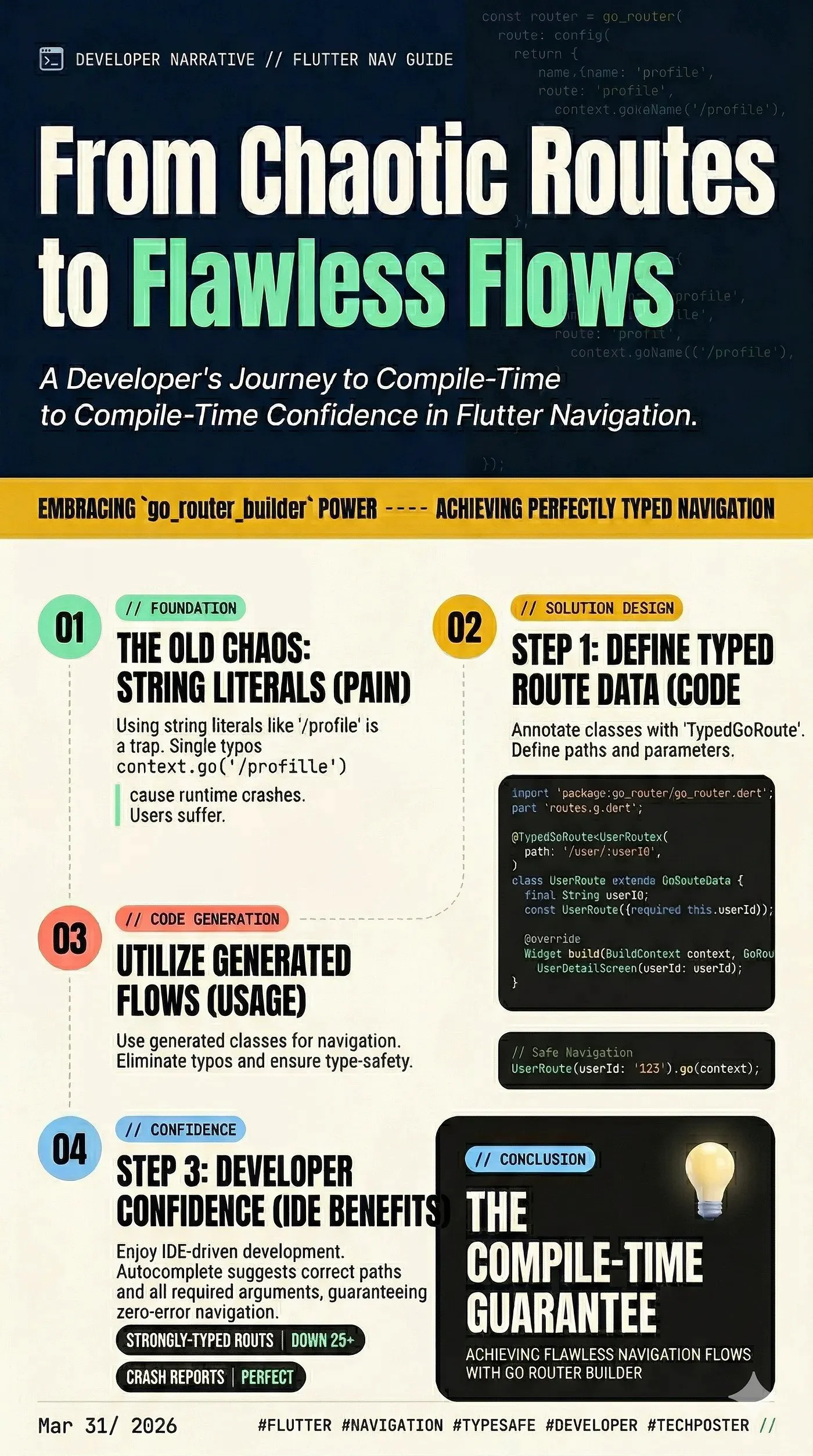
If you’ve been building Flutter apps for a while, you know that navigation can quickly become a tangled mess of string-based routes and unhandled arguments. Enter go_router—the declarative routing package maintained by the Flutter team. It’s fantastic, but what if we could make it even better?
By pairing go_router with go_router_builder, we can unlock the power of code generation to achieve 100% type-safe navigation. No more typos in route names, and no more guessing what arguments a screen requires.
Let’s dive into how to set this up!
Why Use go_router_builder?
----------------------------
While standard go_router relies on strings (e.g., context.go('/details/42')), go_router_builder generates strongly-typed route objects.
The benefits are huge:
Step 1: Add Dependencies
------------------------
First, let’s add the necessary packages to your pubspec.yaml file. You'll need the router package itself, along with the build tools for code generation.
Run these commands in your terminal:
flutter pub add go_router
flutter pub add -d build_runner go_router_builder
Step 2: Define Your Screens
---------------------------
Let’s imagine a simple app with two screens: a HomeScreen and a UserDetailScreen that requires a user ID.
// home_screen.dart
import 'package:flutter/material.dart';
class HomeScreen extends StatelessWidget {
  const HomeScreen({super.key});
  @override
  Widget build(BuildContext context) {
    return Scaffold(
      appBar: AppBar(title: const Text('Home')),
      body: Center(
        // We will add navigation here shortly!
        child: ElevatedButton(
          onPressed: () {},
          child: const Text('Go to User Details'),
        ),
      ),
    );
  }
}
// user_detail_screen.dart
import 'package:flutter/material.dart';
class UserDetailScreen extends StatelessWidget {
  final String userId;
  const UserDetailScreen({super.key, required this.userId});
  @override
  Widget build(BuildContext context) {
    return Scaffold(
      appBar: AppBar(title: const Text('User Details')),
      body: Center(child: Text('Viewing details for User: $userId')),
    );
  }
}
Step 3: Define Your Routes
--------------------------
Now, instead of a giant router configuration block, we define our routes using classes that extend GoRouteData and annotate them with @TypedGoRoute.
Create a file named app_routes.dart:
// app_routes.dart
import 'package:flutter/material.dart';
import 'package:go_router/go_router.dart';
import 'home_screen.dart';
import 'user_detail_screen.dart';
// This is the file that build_runner will generate
part 'app_routes.g.dart';
// 1. Define the Home Route
@TypedGoRoute<HomeRoute>(
  path: '/',
  routes: [    // 2. Define the User Detail Route as a nested route
    TypedGoRoute<UserDetailRoute>(
      path: 'user/:userId',
    ),
  ],
)
class HomeRoute extends GoRouteData {
  const HomeRoute();
  @override
  Widget build(BuildContext context, GoRouterState state)
    => const HomeScreen();
}
class UserDetailRoute extends GoRouteData {
  final String userId;
  // The builder will automatically extract 'userId' from the path
  const UserDetailRoute({required this.userId});
  @override
  Widget build(BuildContext context, GoRouterState state) {
    return UserDetailScreen(userId: userId);
  }
}
Step 4: Run the Code Generator
------------------------------
Because we are using part 'app_routes.g.dart';, Dart will show an error until we generate that file. Open your terminal and run:
Bash
flutter pub run build_runner build --delete-conflicting-outputs
_(Tip: Use_ _watch_ _instead of_ _build_ _if you want the generator to run automatically as you make changes)._
Once this finishes, app_routes.g.dart will be created, and your errors will disappear!
Step 5: Initialize the Router
-----------------------------
Now, set up MaterialApp.router in your main.dart using the automatically generated $appRoutes list.
// main.dart
import 'package:flutter/material.dart';
import 'package:go_router/go_router.dart';
import 'app_routes.dart';
void main() {
  runApp(const MyApp());
}
final GoRouter _router = GoRouter(
  // The generated list of routes from app_routes.g.dart
  routes: $appRoutes,
  initialLocation: '/',
);
class MyApp extends StatelessWidget {
  const MyApp({super.key});
  @override
  Widget build(BuildContext context) {
    return MaterialApp.router(
      title: 'Go Router Builder Demo',
      routerConfig: _router,
    );
  }
}
Step 6: Navigate with Type Safety!
----------------------------------
Now for the best part. Instead of calling context.go('/user/123'), we can use the generated route class directly. Head back to your HomeScreen and update the button's onPressed callback:
// Inside HomeScreen's build method:
ElevatedButton(
  onPressed: () {
    // Look at this beautifully typed navigation!
    const UserDetailRoute(userId: '123').go(context);
  },
  child: const Text('Go to User Details'),
)
If you ever change userId to an integer in your route definition, the compiler will immediately flag this button as an error, saving you from a runtime crash!
Wrapping Up
-----------
By adopting go_router_builder, you bridge the gap between Flutter's powerful declarative routing and Dart's strict type safety. It takes a few extra minutes to set up, but the peace of mind you get when scaling your app is well worth the effort.
Happy coding!
Loading…